
As you move into online communities are changing fast.
AI content, smart platforms, and new social spaces are everywhere. Still, one thing matters more than anything else: real human conversations.
Genuine interaction is what keeps users engaged and builds trust online.
Blog comment sections, once ignored, are now powerful tools. They help websites build stronger communities and perform better in search results.
Today, comments are more than just opinions or replies.
A strong and the best comment system sends positive SEO signals. Meaningful discussions keep users on your site longer, show topic relevance to search engines, and turn readers into active participants.
In this guide, you’ll explore the 7 best comment systems available right now.
We’ll break down their key features, highlight real limitations, share pricing details, and offer a clear comparison to help you choose the best option for your website’s goals.
What Is a Comment System?
At its core, a comment system is software that allows users to leave feedback, share opinions, and engage in discussions directly on your website content.
Think of it as the conversation layer that sits beneath your articles, blog posts, or product pages, transforming your site from a one-way broadcast into a two-way dialogue.
The Three Main Types
- Hosted Services: Third-party platforms (like Engagi or Disqus) that handle the data on their servers. They are easy to install but can sometimes impact load times.
- Self-Hosted/Native: Plugins (like wpDiscuz) that store data in your own database. You have 100% data ownership.
- Open-Source: Privacy-focused, customizable solutions (like Commento) that offer a “middle ground” of control and efficiency.
Key Features Every Best Comment System Should Have
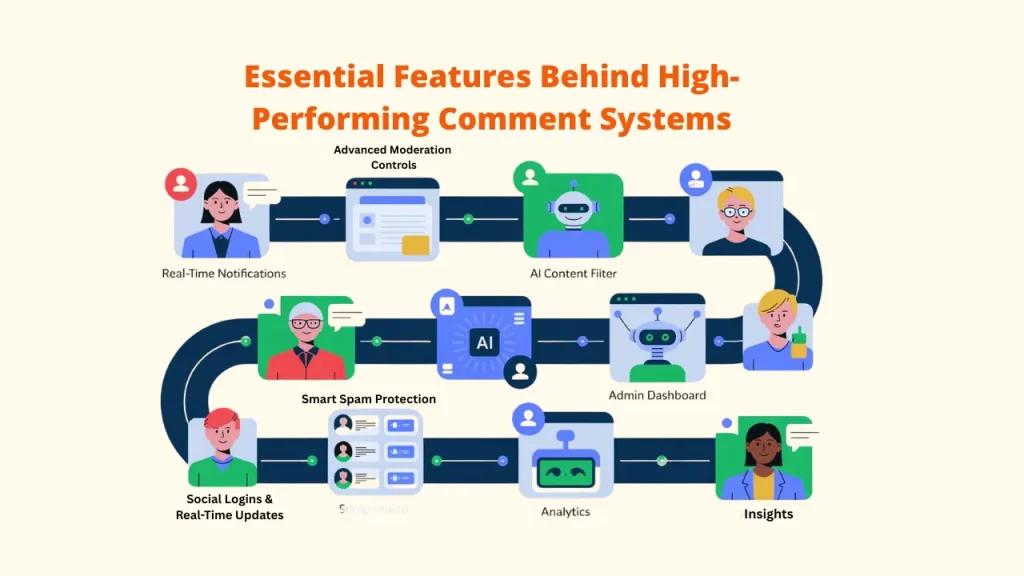
A modern comment system isn’t just about posting text; it’s about creating meaningful, moderated, and data-driven conversations. Here are the must-have features every top system should include:
A. Notifications & Threaded Responses: Organize conversations and make them simple to follow by providing real-time alerts for mentions and responses.
B. Smart Spam Protection: Use AI-based filters or CAPTCHA tools to block bots, spam, and toxic content automatically.
With the right assistance from the best comment systems from Engagi, you can generate tailored, unique, and high-quality responses while also protecting your account.
C. Advanced Moderation Controls: Empower admins with tools for editing, approving, shadow-banning, or bulk-managing comments.
D. Seamless Social Logins & Real-Time Updates: Allow users to join discussions via Google, Facebook, or X, and view new comments instantly without refreshing.
E. Built-in Analytics & Insights: To gain a deeper understanding of community activity, monitor engagement indicators like comment volume, sentiment, and top contributors.
What Makes the Best Comment Systems? (Buying Criteria)
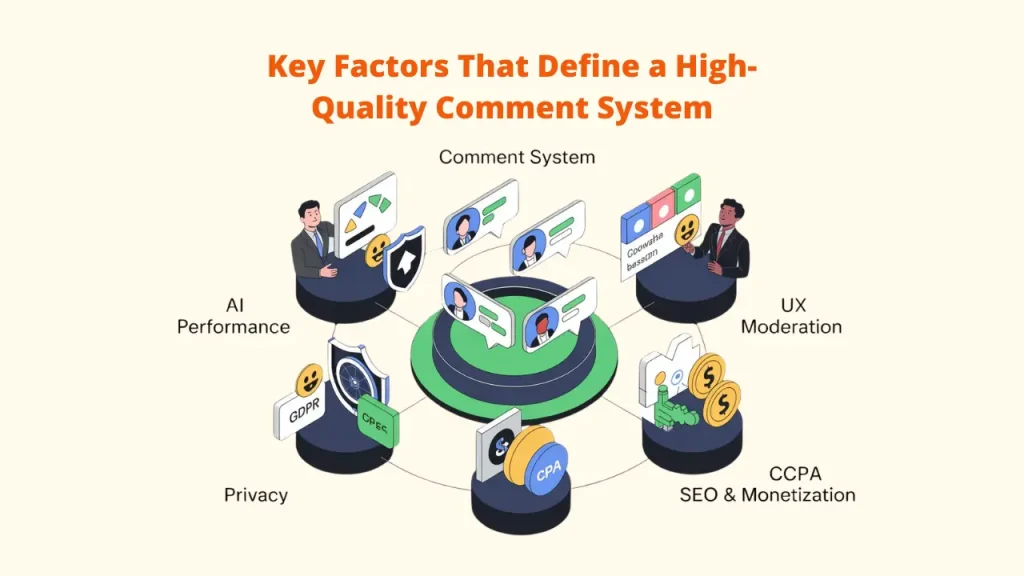
A. Performance: Speed Matters
Your best comment system should enhance, not hinder, site performance.
Look for tools that load asynchronously to protect Core Web Vitals like LCP and FID, and use lightweight scripts that don’t slow page rendering.
B. Moderation Power: Smart + Manual Control
Modern spam control relies on AI-powered filters to detect spam, toxicity, and abuse automatically. The best systems blend automation with manual moderation dashboards, letting you review edge cases easily.
C. User Experience (UX): Frictionless Engagement
Ease of participation drives engagement.
Top platforms support social logins, nested replies, and real-time updates, all within a mobile-responsive interface. Extras like images, GIFs, or code snippets keep discussions lively.
D. Privacy & Compliance: Data You Can Trust
Choose systems that comply with GDPR and CCPA, respect data ownership, and offer comment editing or deletion options.
Privacy-first solutions avoid third-party tracking or ad data sales.
E. Monetization & SEO: Beyond Comments
Some comment system tools include ad integration or affiliate monetization, but SEO benefits are critical because crawlable and indexable advertising contributes new material, which boosts rankings.
Support for structured data markup can also enhance rich search results.
7 Best Comment System Tools for Engagement
1. Engagi
Overview
Engagi is a comment system focused on real engagement, not just replies. It’s built for creators, marketers, and publishers who want readers to join the conversation instead of scrolling away. Every comment becomes a useful interaction that helps grow both community and conversions.

The main characteristics
✅ AI prompts that encourage meaningful discussions
✅ Sentiment tracking to highlight positive and popular comments
✅ Built-in integrations with CRM and marketing tools
✅ Analytics to measure engagement and spot top contributors
Pricing
Engagi starts at $27 per month, making it a practical choice for solo marketers and small teams.
Best For
Marketing blogs, content-focused websites, and publishers who want stronger community interaction and better audience retention.
2. Disqus
Overview
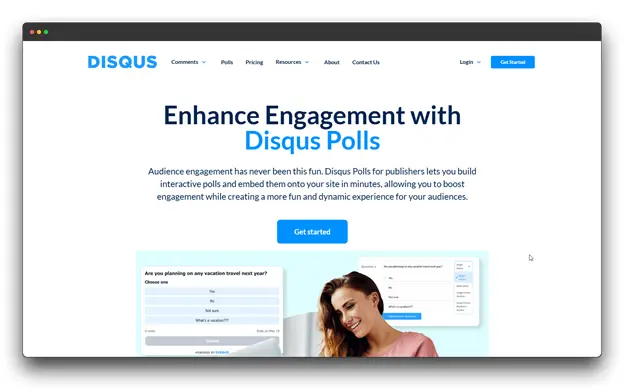
A veteran in the world of online discussions, Disqus has powered comment sections for a long time. With so many user profiles and a presence on millions of websites, it remains the most recognized global commenting network, offering seamless identity and engagement across platforms.
The main characteristics
✅ Single login across all Disqus websites
✅ Powerful moderation tools with spam and abuse control
✅ Real-time notifications to keep users engaged
✅ Social sharing to extend comment reach
✅ API access for custom integrations
Pricing
The Plus plan costs $125 per month, billed annually, and includes advanced moderation tools.
Ideal For
Large publishers, news sites, and content-heavy platforms that need wide reach, strong moderation, and scalable discussions.
3. wpDiscuz
Overview
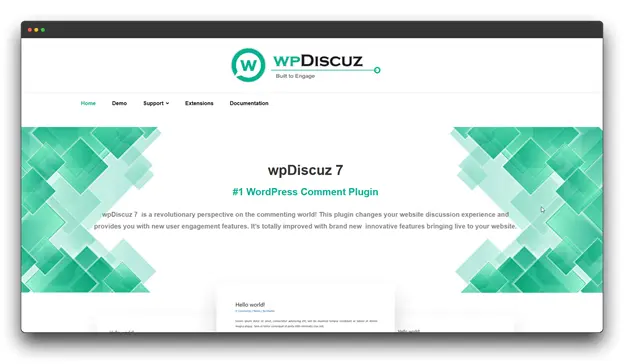
wpDiscuz is a modern comment system made only for WordPress websites. It upgrades the default WordPress comments with faster, real-time interaction while keeping all comment data safely stored on your own server.
The tool focuses on speed, control, and flexibility for site owners.
The main characteristics
✅ Direct WordPress integration with no third-party services
✅ Live commenting without reloading the page
✅ Social login support via Google, Facebook, and X (Twitter)
✅ Inline comments for specific lines or sections
✅ Guest and anonymous commenting support
Pricing
Complete bundles start at $99 per year and include one premium package.
Ideal For
WordPress website owners who want full control, easy customization, and ownership of their comment data.
4. Thrive Comments
Overview
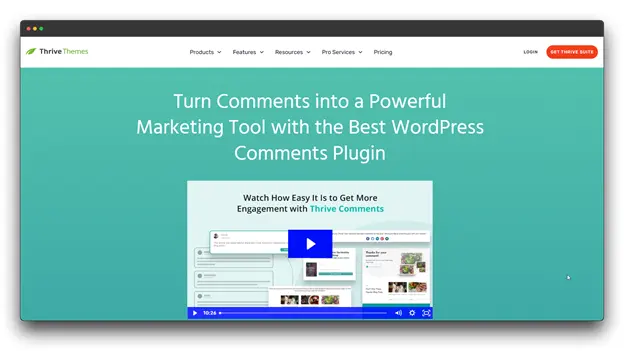
Thrive Comments is a WordPress comment system plugin that focuses on engagement and conversions with the right comment system. It’s part of the Thrive Suite and turns regular comment sections into interactive spaces that encourage users to participate and take action.
Instead of just collecting replies, the tool treats every comment as a chance to boost interaction and build stronger connections.
The main characteristics
✅ Upvote and downvote options to highlight useful discussions
✅ Comment badges to reward active and trusted users
✅ Featured comments to showcase valuable insights
✅ Guest author labels to separate creators from readers
✅ Social sharing tools to increase comment reach
Pricing
Thrive Comments is included in the Thrive Suite, priced at $149 per quarter, along with access to the Thrive Theme Builder.
Ideal For
Marketing-focused WordPress users and bloggers who already use Thrive tools and want comments to support their engagement and conversion strategy.
5. Common Ninja Comments Widget
Overview
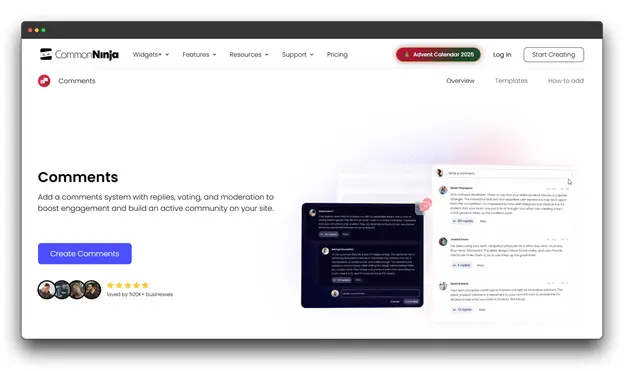
Common Ninja’s comments widget is a versatile, design-forward solution that prioritizes visual appeal and ease of implementation across any website platform, and its one more it can work on all major platforms via embed code.
The main characteristics
✅ Pre-designed templates for quick setup
✅ Works on all major platforms via embed code
✅ Moderation controls with approval workflows
✅ Social media sharing integration
✅ No coding required for implementation
Pricing
With Common Ninja branding, the Ultimate Pro plan at $26/month removes branding and adds features.
Ideal For
Small businesses wanting attractive comments without technical complexity, designers who prioritize aesthetic control, and sites needing quick implementation.
6. Discourse
Overview
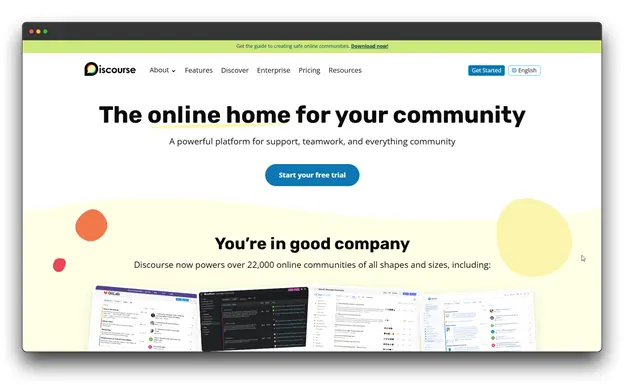
Discourse is a comprehensive community and discussion platform that integrates the best features of forums, chat, and one of the best comment systems, going beyond conventional comment systems.
It is widely used and open-source, powering some of the world’s most vibrant online communities.
The main characteristics
✅ Dynamic trust levels that reward active, positive contributors
✅ Real-time updates and in-thread notifications
✅ Advanced moderation tools with automated spam detection and flagging
✅ Full-text search across all topics and replies
✅ Single Sign-On (SSO) support for seamless authentication
Pricing
The Pro plan is $100/month for small to mid-sized communities with a custom domain.
Ideal For
Organizations, developers, and brands looking to create large, interactive communities or upgrade legacy forums to a modern, scalable discussion platform.
7. Vuukle
Overview
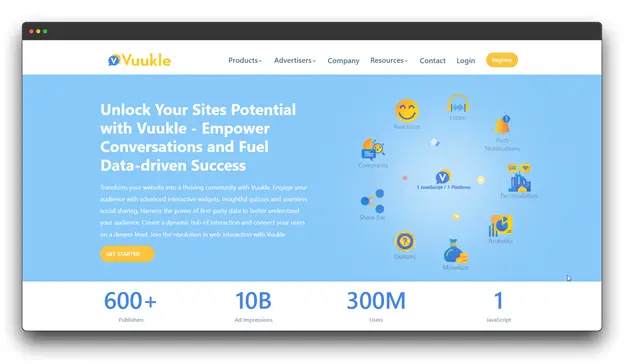
Discussion, content discovery, and monetization are all combined in Vuukle, the best comment system and audience engagement platform. Built for publishers, it transforms comment sections into active, revenue-generating community hubs.
The main characteristics
✅ AI-powered toxicity filters to block offensive or harmful content
✅ PowerBar widget showcasing trending topics and top discussions
✅ Revenue-sharing model through native ads within comment threads
✅ Social login and anonymous commenting for easy participation
Pricing
Custom pricing is available for ad-free and enhanced revenue-sharing options.
Ideal For
Online publishers and media companies are seeking to monetize engagement, promote trending content, and maintain active, ad-supported communities.
Pro 5 Tips for the Best Comment Systems

A strong comment section is not only about the tool you choose. These practical tips will help you keep discussions clean, active, and welcoming on any platform.
1. Establish Clear Community Guidelines
Define the rules from the start. Let users know what is allowed, how promotions and sensitive topics are treated, and when comments may be removed or users blocked.
Pin the guidelines in the comment section and include a link to them in the footer of your website. With prompt and insightful responses, Engagi’s assistance rules the entire social web and fosters a sense of community.
2. Use Shadow Banning Strategically
Many modern best comment systems offer shadow banning. This feature quietly hides spam or harmful comments from others without notifying the user.
It reduces drama, avoids repeated sign-ups, and keeps conversations calm without direct conflict.
3. Reward Top Contributors
People stay engaged when they feel noticed. Highlight helpful users with badges, featured comments, or small rewards like early access to content or private updates. Simple recognition encourages better conversations and long-term loyalty.
4. Engage Thoughtfully
Your own participation sets the tone for the community. When moderators or creators respond meaningfully to insightful comments, it shows users that discussions matter.
Thoughtful engagement signals authenticity, a hallmark of websites using the best comment systems effectively.
5. Set Smart Notifications
Set notifications for important keywords, new posts, or first-time commenters. This helps you step in at the right time, while automated tools handle the routine work.
Conclusion
The future of blog commenting in efficient engagement is brighter than skeptics predicted a decade ago.
Rather than dying out, comment sections are evolving into sophisticated community spaces powered by AI-assisted moderation, privacy-aware infrastructure, and engagement features that reward quality over quantity.
The best comment systems can transform your website from a static information repository into a vibrant gathering place where ideas collide, questions get answered, and genuine relationships form between you and your audience.
Whether you prioritize Engagi’s engagement optimization for marketing content, Commento’s privacy-first philosophy, or wpDiscuz’s WordPress integration.
Don’t commit to a single platform based solely on this article. Test multiple tools using their free tiers or trial periods.
Your audience is waiting to share their thoughts, ask their questions, and connect with others who share their interests.
FAQs about Best Comment Systems for Efficient Engagement
Q: Does adding the best comment systems slow down my site?
A: It can. Hosted systems like Disqus add external scripts, while native systems like wpDiscuz use server resources. Always use “lazy loading” to ensure comments only load when the user scrolls down.
Q: Are comments good for SEO?
A: Yes! High-quality comments provide unique, relevant content that search engines index. However, spam comments can hurt your ranking, so moderation is key.
Q: What’s the difference between cloud-hosted and self-hosted comment systems?
A: Cloud-hosted comment systems (like Disqus or Engagi) handle all technical infrastructure for you, just embed their code. Self-hosted solutions (like wpDiscuz or open-source Discourse) run on your server, giving you complete data control but requiring technical maintenance.